Port Settings
Configure how your MIDI input ports handle incoming messages.
Overview
Port settings control message filtering, clock handling, and value translation at the input level. Changes to settings apply only to the active and selected preset’s input port.
Note: Settings are preset-specific. Different presets can have different configurations for the same port.
Key Settings
Ignore Message Types
Select which types of MIDI messages to discard at the input:
- Sencee — Device connected indication
- MIDI Clock — Timing synchronization signals
- Sysex — Manufacturer-specific commands
Tip: Enable “Ignore MIDI Clock” if your device floods the log with timing data and you’re not using tempo sync.
MIDI Clock Settings
Configure how MIDI Clock and Song Position Pointer (SPP) messages are processed.
Options
- Convert SPP to time signature — Translate song position into bar/beat notation
- Propagate clock - Propagate to other inputs
Use case: When syncing multiple devices based on selected clock
14-bit CC Translation
Convert dual CC messages (MSB/LSB) into higher-resolution formats.
When to Use
- Converting 14-bit CC to Pitch Wheel for finer pitch control
- Mapping 14-bit CCs to NRPN values for parameter precision
- Increasing resolution from 0–127 to 0–16,383 (though internaly represented as float 0..127)
Screenshots
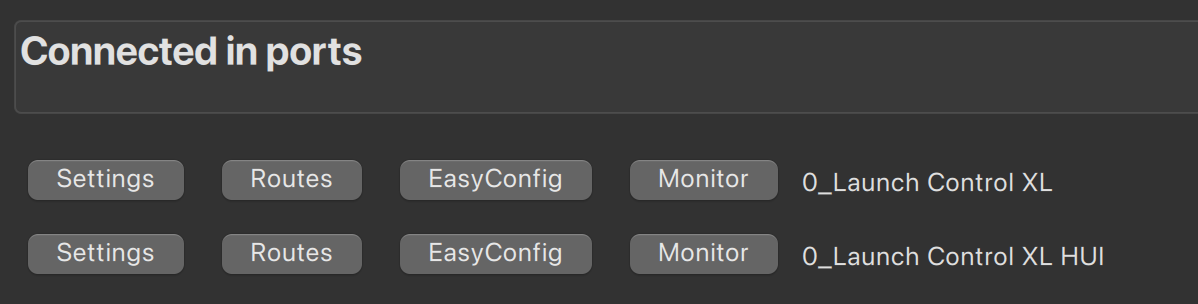
Figure 1: Port Settings Configuration
Toggle message types, configure MIDI clock, and enable 14-bit translation.
Common Workflows
Workflow 1: Filter Out Timing Noise
Many devices send constant MIDI Clock signals, cluttering the interface.
- Select your input port
- Enable “Ignore MIDI Clock”
- Clock messages are now discarded
- ✅ Cleaner monitoring and debugging
Workflow 2: Enable High-Resolution Control
Route a 14-bit CC fader to pitch wheel for smoother control.
- Select input device
- Enable “14-bit CC Translation”
- Choose source CCs (e.g., CC 7, this will also use CC 39 automaticlly)
- Choose target format (e.g., Pitch Wheel)
- ✅ Fader now controls pitch smoothly
See Also
- Monitoring — Inspect incoming messages in real-time
- In Ports Overview
- Glossary: MIDI Clock, SPP, 14-bit CC